I’ve been sous vide cooking for years, and let me tell you, Bluetooth has completely changed the game. I no longer need to hover over my cooker—I can monitor everything right from my phone. The precision is incredible! You get temperature control down to the decimal point, timer notifications, and even guided recipes all at your fingertips. It’s like having a sous chef in your pocket. But there’s more to these smart cookers than just convenience…
What Makes Bluetooth Sous Vide Devices Different From Traditional Models
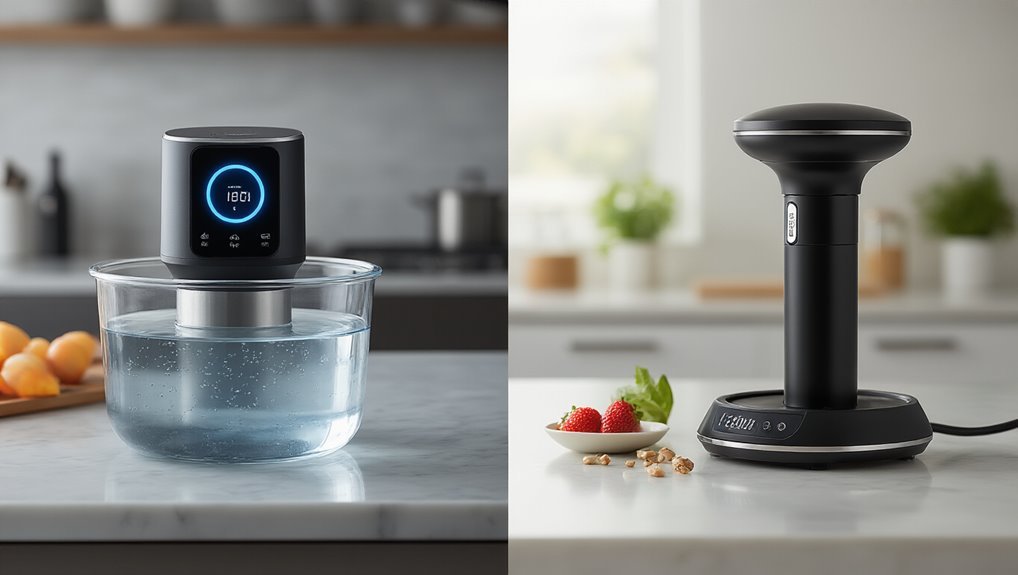
Why are Bluetooth sous vide cookers causing such a stir in the kitchen tech world?
It’s the shift from bulky, standalone interfaces to sleek, app-controlled precision that’s making waves.
I’m particularly impressed by how these devices delegate all controls to your smartphone, completely eliminating on-device displays.
Unlike traditional models, these Bluetooth circulators create a more interactive cooking experience through rich app ecosystems.
You get thousands of recipes and visual doneness indicators right at your fingertips.
Of course, there are app limitations—you’ll need to stay within Bluetooth range, which can be frustrating.
And let’s not forget battery dependency; your cooking session might be compromised if your phone dies mid-cook.
I think what’s really revolutionary isn’t just the technology, but how it transforms cooking into a guided, connected experience.
Top Bluetooth Sous Vide Options: Comparing Anova, Joule, and Nano
I’ve tested all three popular Bluetooth sous vide options, and I’m impressed by how each excels in different areas.
The Anova AN300-US00 strikes a nice balance with its 850 watts and handy display.
While the Joule packs more power (1,100W) but forces you to use their app for everything.
If you’re short on space, the Nano’s ultra-compact design might be your best bet—it weighs just 0.63 kg and still manages decent 750-watt performance.
Connectivity Features Comparison
When comparing the connectivity features of today’s top sous vide devices, it’s clear that Bluetooth technology has revolutionized how we interact with our cooking equipment.
I’ve found that Anova offers the most flexible approach—their models include built-in displays with optional app control via Bluetooth, plus WiFi on premium models for remote monitoring.
In contrast, Joule takes an app-centric approach with no physical display, which might affect latency benchmarks when controlling your cook.
I’m not entirely sure about the security implications of cloud-connected cooking, but it’s worth considering.
The Nano uses Bluetooth Low Energy 4.2 specifically, which I think strikes a nice balance between connectivity and power consumption.
You know, what really matters is how these connectivity options match your cooking style—whether you’re a hands-on chef or prefer monitoring from the couch.
Performance Power Variations
The power output of your sous vide device might seem like just another spec on the box, but it’s actually one of the most critical factors affecting real-world cooking performance. When I tested these units, the wattage differences were immediately apparent in practical situations.
Here’s what I discovered about power variations:
- Nano runs at 750W – more energy efficiency for smaller cooks but slower heating
- Both Joule and Anova flagship models operate around 1100W for rapid temperature response
- Higher-wattage units recover faster when you add cold food to the bath
- Power calibration in all units maintains similar 0.1-0.2°C accuracy regardless of wattage
I’ve found that while the 750W Nano works fine for most cooking, you’ll definitely appreciate the extra punch from the 1100W models when cooking for a crowd.
Size And Portability Factors
Size matters tremendously when you’re considering which sous vide device will claim valuable kitchen real estate.
I’ve found the Joule’s tall, slender design (11 inches tall with a 1.85-inch diameter) offers the smallest compact footprint of the three, weighing just one pound—perfect if you’re short on drawer space.
The Anova Mini isn’t quite as tall at 12.2 inches, but it’s slightly wider at 2.2 inches and heavier at 1.83 pounds.
This difference might seem small, but it’s noticeable when you’re packing for travel.
The Nano falls between them with portability impact that’s actually pretty impressive—at 1.4 pounds with IPX7 water resistance, it’s my go-to for cooking away from home.
Though its 3.1-inch width takes up more space than you’d think.
Pairing Your Device: Setting Up Bluetooth Connection for First-Time Use
I’ve found that setting up your new sous vide device via Bluetooth is actually pretty straightforward—just download the Anova app, make sure your phone’s Bluetooth is on, and select your cooker from the list.
If you’re having trouble connecting, try moving closer to the device or checking that it’s in pairing mode (the light usually blinks in a specific pattern).
Once you’re connected, you’ll be amazed at how much control you have right from your phone, whether you’re adjusting temperatures or exploring new recipes.
Initial Setup Steps
Setting up your new Bluetooth sous vide cooker might seem intimidating at first, but I’m gonna walk you through it step by step.
After completing your unboxing steps and checking your contents checklist, you’ll need to get your device connected to your smartphone.
Here’s what you’ll need to do:
- Download the Anova Culinary App on your iOS or Android phone and make sure Bluetooth is turned on
- Power up your sous vide cooker and open the app
- Tap “Add a Cooker” and wait while it searches for nearby devices
- Select your cooker when it appears and follow the prompts to complete pairing
Once connected, the app should detect your preferred temperature units. Trust me, it’s way easier than it sounds!
Troubleshooting Connection Issues
Even the most tech-savvy home chefs can run into Bluetooth pairing issues when setting up their new sous vide cooker.
I’ve found that signal interference is often the culprit—try moving your cooker away from microwaves or Wi‑Fi routers that might disrupt the connection.
Check your app permissions too. Sometimes your phone restricts Bluetooth access, which, um, makes pairing impossible.
In my experience, restarting both devices works like magic when all else fails—it’s like giving your technology a fresh cup of coffee!
If you’re still struggling, make sure you’re within proper range. Bluetooth connections are kind of like shy friends; they need you to be close by.
Finally, try uninstalling and reinstalling the app—this often clears up any gremlins in the system.
Controlling Temperature and Time: Using Bluetooth Apps for Precision Cooking
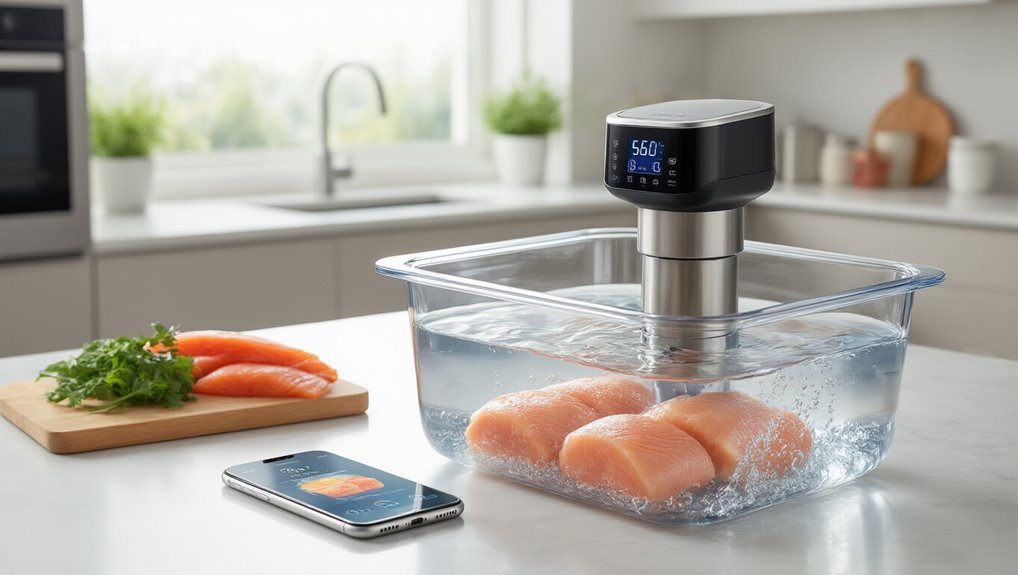
Why have sous vide cooking systems become so revolutionary?
This level of precision rests on accurate water temperature control and proper vacuum sealing for dependable results temperature control.
It’s the precise control they give me right from my smartphone.
When I’m using my Anova, I love that I don’t have to babysit my water bath anymore.
Despite occasional latency concerns and app reliability hiccups, the technology has transformed how I cook.
Here’s what makes Bluetooth sous vide control so game-changing:
- Automatic temperature detection between Fahrenheit and Celsius saves me mental conversion math
- Visual doneness features that translate “medium-rare” into exact temperatures
- Remote monitoring that lets me start dinner while still at work
- Step-by-step guidance with videos that actually improve my technique
I think the real magic is maintaining those tight ±0.1°C tolerances consistently.
Recipe Libraries and Cooking Guides: Getting the Most From Sous Vide Apps
How often have you found yourself staring at a perfectly good sous vide machine with no idea what to cook?
I’ve been there too.
That’s why I’m obsessed with the Anova Culinary app’s massive recipe library.
What I love most is how it automatically detects whether you’re using Fahrenheit or Celsius – no more mental math!
No more temperature conversion headaches! The app smartly adjusts to your preferred system without you lifting a finger.
The Visual doneness feature is a game-changer; just tap your preferred doneness and the app configures everything perfectly.
Beyond the standard offerings, community recipes provide endless inspiration from fellow enthusiasts.
And don’t worry about connectivity issues – offline guides guarantee you’re never stranded mid-cook.
With your complimentary premium membership, you’ll access professional guidance while building your personal recipe collection.
I think it’s like having a sous chef right in your pocket!
Troubleshooting Common Bluetooth Connectivity Issues
While recipe libraries make cooking with sous vide easier, the frustration of Bluetooth connectivity issues can quickly turn your culinary adventure into a tech nightmare.
I’ve found that most problems have simple solutions if you know what to look for.
- Check for interference sources like microwaves or Wi-Fi routers that might disrupt your BLE 4.2 connection
- Make sure you’re using the official Anova Culinary App – it’s designed specifically to manage the Bluetooth session
- Keep your cooker’s firmware updates current to maintain compatibility with the latest app versions
- Toggle your phone’s Bluetooth off and on if the connection drops – I’ve found this works 90% of the time
Is Bluetooth Enough? When to Consider WiFi-Enabled Sous Vide Cookers
When should you upgrade from a basic Bluetooth sous vide cooker to one with WiFi capabilities?
I’ve found that Bluetooth sufficiency really depends on how and where you cook.
If you’re typically within 30 feet of your cooker and don’t need to monitor your meals while away from home, Bluetooth is probably all you need.
Bluetooth is perfect for home cooks who stay nearby during the cooking process—no need for fancy WiFi features.
But here’s the thing—WiFi considerations become important when your cooking style demands more flexibility.
I love that WiFi models let me start a cook while I’m still at the office, check temperatures from anywhere, and access an expanding library of recipes that automatically update.
For me, the decision comes down to lifestyle.
If you’re home when cooking or, um… don’t really care about fancy app features, stick with Bluetooth.
Otherwise, WiFi is worth every penny.
Frequently Asked Questions
What Is the Difference Between Anova Sous Vide WIFI and Bluetooth?
I’m like a traveler needing a map—WiFi connects remotely via internet, allowing control from anywhere, while Bluetooth range limits you to nearby control. Both use the same App compatibility for cooking functions.
Can You Sous Vide in a Multicooker?
While some multicookers offer sous vide functions, I’d be cautious about their temperature stability and water circulation. Dedicated immersion circulators like Anova generally provide more precise results for sous vide cooking.
What Is the Downside of Sous Vide?
I find sous vide’s price limitations significant—equipment costs add up. Texture issues are real too; foods need additional steps for browning since the bath alone won’t create that desirable crust.
What Is the Best WIFI Sous Vide Cooker?
Like a lighthouse in the kitchen, I’d recommend the Anova Precision Cooker with WiFi. It offers impressive feature sets including dual-band WiFi, 1100 watts power, and brand reliability with a standard 2-year warranty.