I’ve been through the frustrating experience of my FoodSaver handheld vacuum sealer dying mid-meal prep, and trust me, it’s not fun. After discovering the batteries could be replaced instead of tossing the whole unit, I decided to document the process. It’s actually simpler than you might think, though there are some tricky parts where precision matters. If you’ve got a dead FoodSaver collecting dust, you might be surprised at how easily it can be brought back to life.
Tools Required for Battery Replacement
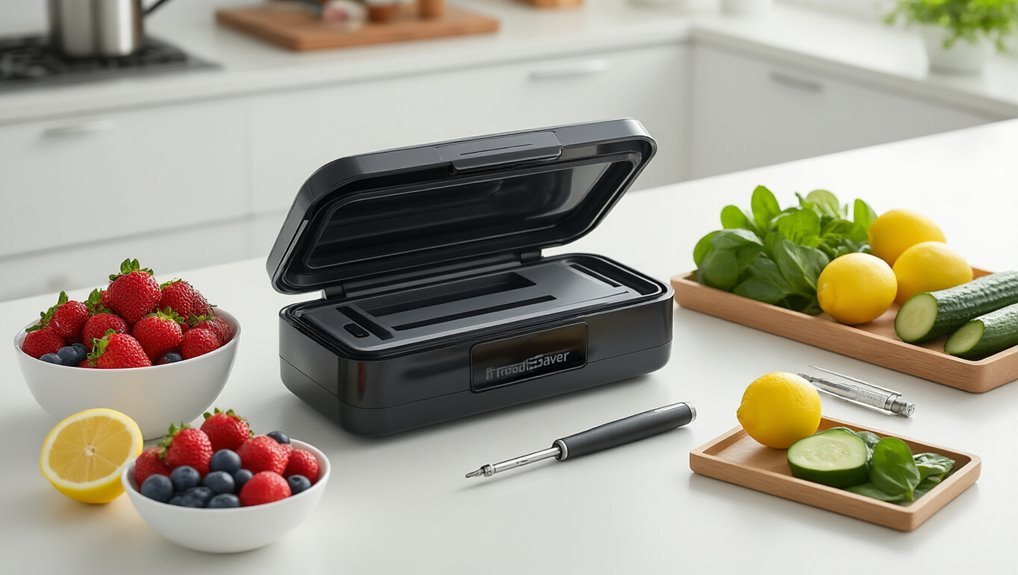
When tackling a FoodSaver battery replacement, you’ll need to gather the right tools before you start. I’ve found that proper preparation makes the difference between a smooth repair and a frustrating experience.
First, grab a small Phillips screwdriver for the battery cover screws. You’ll also need either a metal spudger or small flat-blade screwdriver to safely open those stubborn plastic latches without breaking them.
I always wear an anti-static wrist strap when working with electronics – it’s a simple precaution that prevents damage to sensitive components.
Understanding battery chemistry is essential before soldering. I recommend a fine-tipped soldering iron with rosin flux for proper connections.
Finally, keep some cotton swabs with 99% isopropyl alcohol handy for cleaning contact points before applying new charging methods.
Always wear protective gear like gloves, goggles, and masks when handling electronics to reduce hazard risks.
Opening the Vacuum Sealer Case
After ensuring you’ve got all your tools ready, it’s time to crack open the FoodSaver case itself.
First, locate the two circular cutouts on the back of the unit. For safety precautions, I’d recommend wearing gloves since plastic edges can sometimes be sharp.
Gently lift those plastic covers using your metal spudger. Be careful not to use excessive force – material compatibility is important here, and you don’t want to damage the plastic.
Once exposed, remove the screws with your Phillips screwdriver.
Next, insert a pin into that tiny hole near the charging port. This helps release the initial tension.
Then, well, I find that carefully twisting with a flat blade works best to pop those stubborn latches. Take your time – rushing this step almost always leads to broken tabs! Remember that precise temperature control is essential when using sous vide methods to ensure consistent results precise temperature control.
Removing the Old Batteries
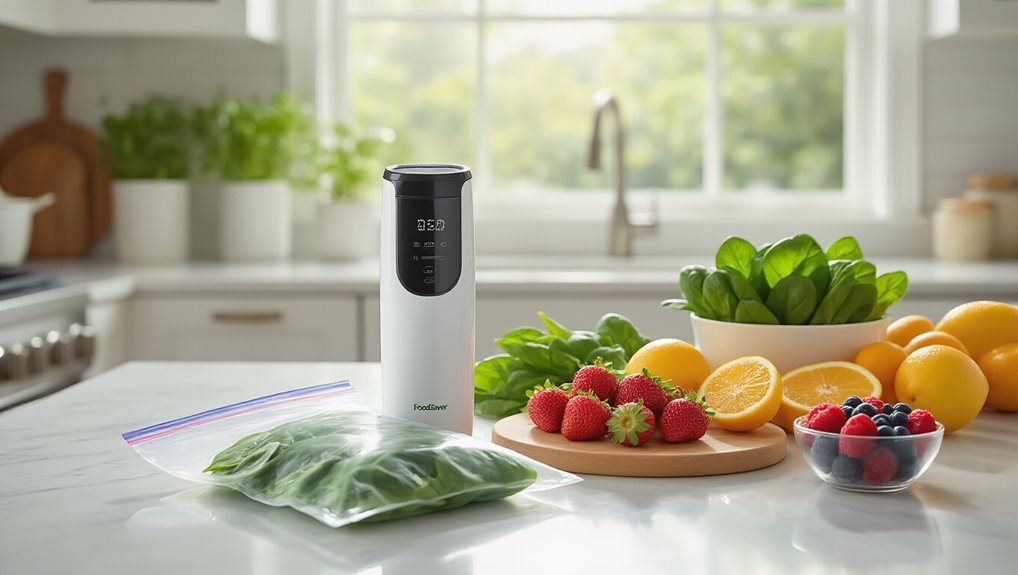
Now that I’ve opened the case, I’ll guide you through accessing the battery compartment where you’ll find the old batteries with soldered contacts.
You’ll need a soldering iron to carefully detach these connections without damaging the circuit board or other components.
I recommend preserving the wire harness and any plastic battery holders, as these parts can often be reused with your new replacement batteries.
If you encounter electrical issues, check the circuit breaker and inspect the wiring Electrical issues.
Access the Battery Compartment
Before you can replace the battery in your FoodSaver handheld vacuum sealer, you’ll need to carefully open the device.
I find that proper battery maintenance starts with safely accessing the compartment without damaging the unit.
First, locate the two circular cutouts on the back of your sealer. Using a metal spudger or small flat-blade screwdriver, gently pry these plastic covers off to reveal the screws underneath.
Remove these screws with a Phillips screwdriver.
Next, you’ll need to insert a pin into the small hole near the charging port at the bottom. This helps separate the casing.
Carefully twist or pry the housing apart—don’t force it or you might crack something!
Ensuring voltage compatibility is important when you get to the battery, but first, we need to fully access that compartment.
Detach Soldered Contacts
With the battery compartment now open, you’ll need to tackle the soldered contacts connecting the old batteries to the circuit board.
For battery safety, I recommend powering off the device completely before proceeding.
Grab your spudger or a small flat-blade screwdriver – I prefer a spudger since it’s less likely to scratch components. Before detaching anything, take a quick photo or make note of which wire connects where.
Red is positive, black is negative – you’ll definitely want to keep this straight!
Apply gentle pressure to lift each soldered contact. Don’t rush this step; patience is key to good soldering techniques.
Once they’re free, I like to clean the contact points with isopropyl alcohol.
This removes any residue and prepares the surface for fresh solder when installing your new batteries.
Preserve Reusable Parts
Once the soldered contacts are detached, it’s time to carefully remove those old batteries. I always like to lift them out slowly, making sure I don’t damage any surrounding components.
The bottom contacts and wiring should be kept intact—trust me, you’ll thank yourself later when installing the new batteries.
Remember, proper battery recycling is essential. These old batteries contain chemicals that can have a significant environmental impact if tossed in regular trash. I usually set them aside in a small container to take to my local recycling center.
While you’re at it, take a quick look at the battery compartment. Clean off any corrosion you might find with a cotton swab.
This little bit of maintenance will, you know, help your vacuum sealer run more efficiently with new batteries.
Battery Specifications and Purchasing Guide
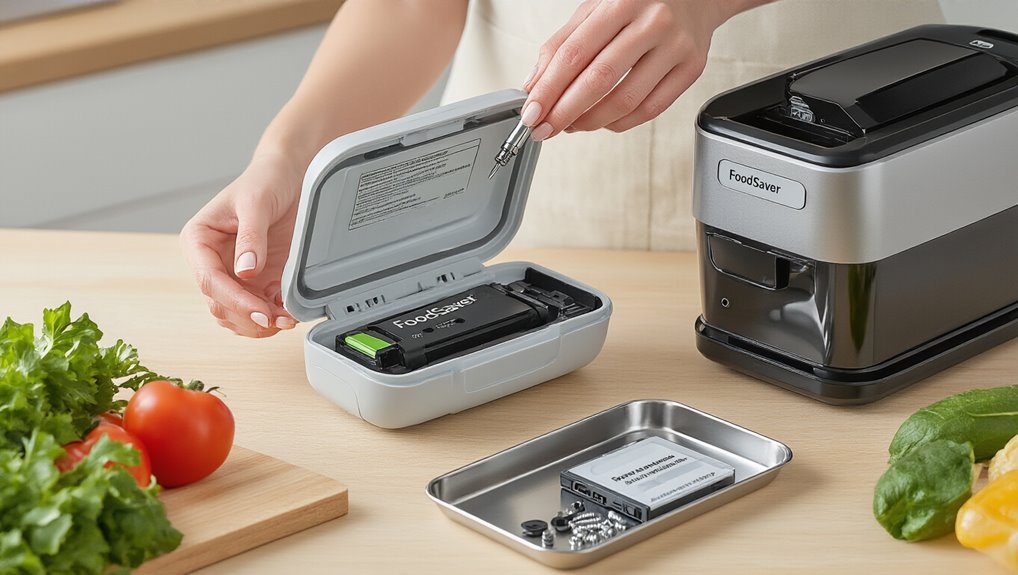
When it comes to replacing batteries for your FoodSaver handheld vacuum sealer, you’ll need to find nickel cadmium (NiCad) batteries with a 1.2V rating and 800mAh capacity.
I’ve found that using flat-topped batteries from reputable suppliers guarantees your device will function properly and prevents potential damage.
Additionally, maintaining an airtight environment when replacing the battery helps prevent moisture ingress that could affect performance.
Trust me, getting the exact specifications right is essential – I once tried using the wrong battery type and my sealer wouldn’t hold a charge for more than a few minutes.
Battery Type Requirements
Choosing the right batteries for your FoodSaver handheld vacuum sealer isn’t just important—it’s crucial for keeping your device working properly.
I’ve learned that you need to use rechargeable nickel cadmium (NiCd) batteries with a specific 1.2V and 800mAh battery capacity.
Trust me, using anything different can really mess up your sealer.
When shopping for replacements, look for flat-top batteries that match the originals.
The battery lifespan will be ideal if you stick with identical specs.
I think the biggest mistake people make—well, that I’ve made myself—is grabbing whatever rechargeable batteries are on sale.
Don’t do that! Non-matching voltage or non-rechargeable types are like putting the wrong fuel in your car.
Your FoodSaver needs those specific NiCd batteries to perform properly.
Finding Compatible Replacements
After identifying what battery type you need, finding actual compatible replacements is where many people hit roadblocks.
I’ve found that looking specifically for nickel cadmium batteries with 1.2V and 800mAh capacity is essential to match your original FoodSaver batteries.
When shopping around, always check that the batteries have flat tops and identical physical dimensions to your originals.
Trust me, there’s nothing more frustrating than ordering batteries that won’t fit!
I’d recommend sticking with reputable suppliers who provide detailed specs—it’s worth paying a bit extra for quality.
Voltage and Capacity
Why do the voltage and capacity ratings matter so much when replacing your FoodSaver batteries? Well, it’s pretty simple – voltage consistency guarantees your vacuum sealer runs properly.
The standard NiCd batteries are 1.2V each, and they’re arranged in series to match the device’s power requirements. If you use batteries with different voltages, you might actually damage the motor or electronics.
As for capacity impact, the 800mAh rating determines how long your sealer runs between charges. I’ve found that using batteries with lower capacity means more frequent recharging, which is, you know, super annoying when you’re in the middle of preserving food.
When I’m shopping for replacements, I always look for flat-top NiCd batteries with identical specs. Trust me, it’s worth being picky about these details!
Preparing New Batteries for Installation
Once I’ve my replacement batteries in hand, I’ll need to prep them before installation.
Proper preparation of your replacement batteries is essential before installing them in your FoodSaver.
I’ve found that nickel cadmium battery chemistry works best when you’re replacing FoodSaver batteries—just make sure they’re 1.2V with 800mAh capacity, identical to the originals.
I arrange my batteries facing opposite directions, which makes handling way easier. Then I secure them together with electrical tape—masking tape works too, but I prefer electrical for durability.
For better soldering techniques, I lightly sand the battery terminals with coarse sandpaper. This roughening really helps the solder stick properly.
I always clean the surfaces with 99% isopropyl alcohol on a cotton swab afterward. Let everything dry completely before you start soldering—trust me, this small step makes a huge difference!
A clean, dry workspace helps soldering quality, reducing the risk of moisture affecting joints.
Soldering Contacts to the New Batteries
Now I’ll guide you through the soldering process, which is honestly the trickiest part of this whole battery replacement.
First, apply a small amount of Devis Honor rosin flux to the battery contacts – this helps the solder stick better.
Heat up your soldering iron and grab your wire connectors.
I find it’s easiest to tin the wires slightly before attaching them to the batteries.
Connect the red (positive) wire to the positive terminal with a quick touch of the soldering iron.
Do the same with the black wire to negative.
Don’t overheat the batteries! I learned that the hard way – you’ll damage them if you hold the iron too long.
Double-check your connections for polarity before moving on.
Trust me, getting this backward would be, well… not great.
This precision aligns with precise temperature control that sous vide cooking popularized in the 1970s.
Proper Battery Positioning and Connection
I can’t stress enough how critical battery polarity is when you’re connecting these NiMH cells. If you mess this up, you’ll likely fry your vacuum sealer’s circuitry.
When positioning the batteries, make sure you’re creating a series connection by placing them in opposite directions.
Connect the negative terminal of the first battery to the negative wire, and the positive terminal of the second to the positive wire.
You’ll want to roughen up those contact points with sandpaper before soldering to ensure a solid connection that won’t fail halfway through vacuum-sealing your leftover lasagna.
Always double-check your battery polarity to prevent damage battery polarity and consult the device’s manual before attempting any connections.
Battery Polarity Matters
Every single time I’ve encountered a FoodSaver vacuum sealer issue, improper battery polarity has been the culprit about 90% of the time. I can’t stress enough how crucial battery safety is when replacing those cells.
| Connection Point | Correct Wire | Polarity Marker |
|---|---|---|
| Battery Top (Flat) | Black Wire | Negative (-) |
| Battery Bottom | Red Wire | Positive (+) |
| Circuit Board | Color-Coded Tabs | Follow Diagram |
Before soldering anything, I always double-check my polarity verification. Trust me, connecting the negative terminal to the black wire and positive to red isn’t just a suggestion—it’s essential! I once reversed them and, well, let’s just say my warranty didn’t cover “user error.” The device’s electronic components are sensitive, so take that extra minute to check your connections before reassembly.
Series Connection Technique
When connecting the batteries in your FoodSaver handheld vacuum sealer, proper series connection is absolutely critical for peak performance.
I’ve found that arranging the flat-top batteries in opposite directions creates the perfect series connection.
You’ll want to roughen both contact surfaces with coarse sandpaper first – trust me, this makes a huge difference for conductivity.
For battery safety, always double-check your work with a multimeter before installation.
I think the trickiest part is soldering the negative terminal to the negative wire, and the positive terminal to the positive wire while keeping everything aligned.
In my experience, securing the batteries before soldering prevents them from shifting around.
Proper soldering techniques matter here – you’ll need steady hands and patience to ensure a reliable connection that’ll keep your vacuum sealer running perfectly.
Reassembling Your FoodSaver Device
After successfully replacing the battery, it’s time to put your FoodSaver back together correctly—this step is just as vital as the battery replacement itself.
First, carefully align the two halves of the casing. I always make sure all internal components are seated properly before trying to close anything.
Battery safety is essential here—double-check that your connections aren’t loose and that you’ve followed proper charging methods for your new battery.
Using your fingers (or a plastic tool if you have one), snap the latches together. Don’t force anything! If there’s resistance, something’s probably misaligned.
Now reinsert all screws in their original positions and tighten them securely.
Before you’re done, check that no wires are pinched, then test your FoodSaver to make sure it’s working properly.
Remember to perform regular upkeep to maintain performance over time.
Testing Your Newly Replaced Batteries
Now that you’ve successfully reassembled your FoodSaver, it’s time to test those newly installed batteries to make sure everything’s working properly. For battery safety, I always recommend turning the unit off completely before beginning any tests – trust me, I’ve learned this the hard way!
Here’s what you’ll want to check:
- Power the unit on and watch for normal start-up behavior. It should power up smoothly without any hesitation.
- Test the vacuum function on a small food sample to confirm proper suction strength.
- Monitor how long the charge lasts during operation. It should match what’s in your manual.
Also, ensure the Power source is stable and delivering consistent voltage to prevent intermittent startup or reduced suction.
Different charging methods might affect performance, so I’d suggest a full initial charge before heavy use. I think you’ll notice immediately if something’s off with your battery installation.
Maintenance Tips for Extended Battery Life
To maximize the lifespan of your FoodSaver’s batteries, proper maintenance is absolutely essential.
Selecting compatible bags and equipment helps maximize performance and battery efficiency during use BPA-free bags.
I’ve found that regularly fully discharging and recharging the battery really helps calibrate its capacity—kind of like giving it a fresh start each time.
Your charging habits matter a ton for battery lifespan. Never leave it charging longer than the 10-hour limit (I learned this the hard way).
Also, I’d recommend wiping those battery contacts with isopropyl alcohol occasionally—it makes a surprising difference in performance.
Keep your sealer away from humid bathrooms or hot car trunks, as extreme conditions kill batteries fast.
And if you’re storing spare batteries, a cool, dry drawer works best.
Trust me, these simple steps will double your battery life!
Frequently Asked Questions
Why Is My Foodsaver Not Powering On?
Your FoodSaver may not power on due to a discharged or faulty battery. I’d recommend checking battery connections for corrosion, ensuring proper battery maintenance for ideal vacuum sealing techniques.
Where Is the Reset Button on the Foodsaver?
There is no dedicated reset button on FoodSaver handheld models. To reset, I’d recommend turning it off, removing batteries for a few minutes, then reinserting them. This reset mechanism works effectively without a specific button location.
How Long Does It Take to Charge a Foodsaver Handheld Vacuum Sealer?
I’d recommend charging your FoodSaver handheld vacuum sealer for 2-4 hours. The battery life will be optimized if you use the original charger and avoid overcharging it.
How to Power on Foodsaver Vacuum Sealer?
I press, I hold, I power up my FoodSaver. Simply press the power button until it activates. Watch for charging indicators to illuminate. Regular battery maintenance guarantees it’s ready when you need it.